
Add Background Music to a Video on iPhone
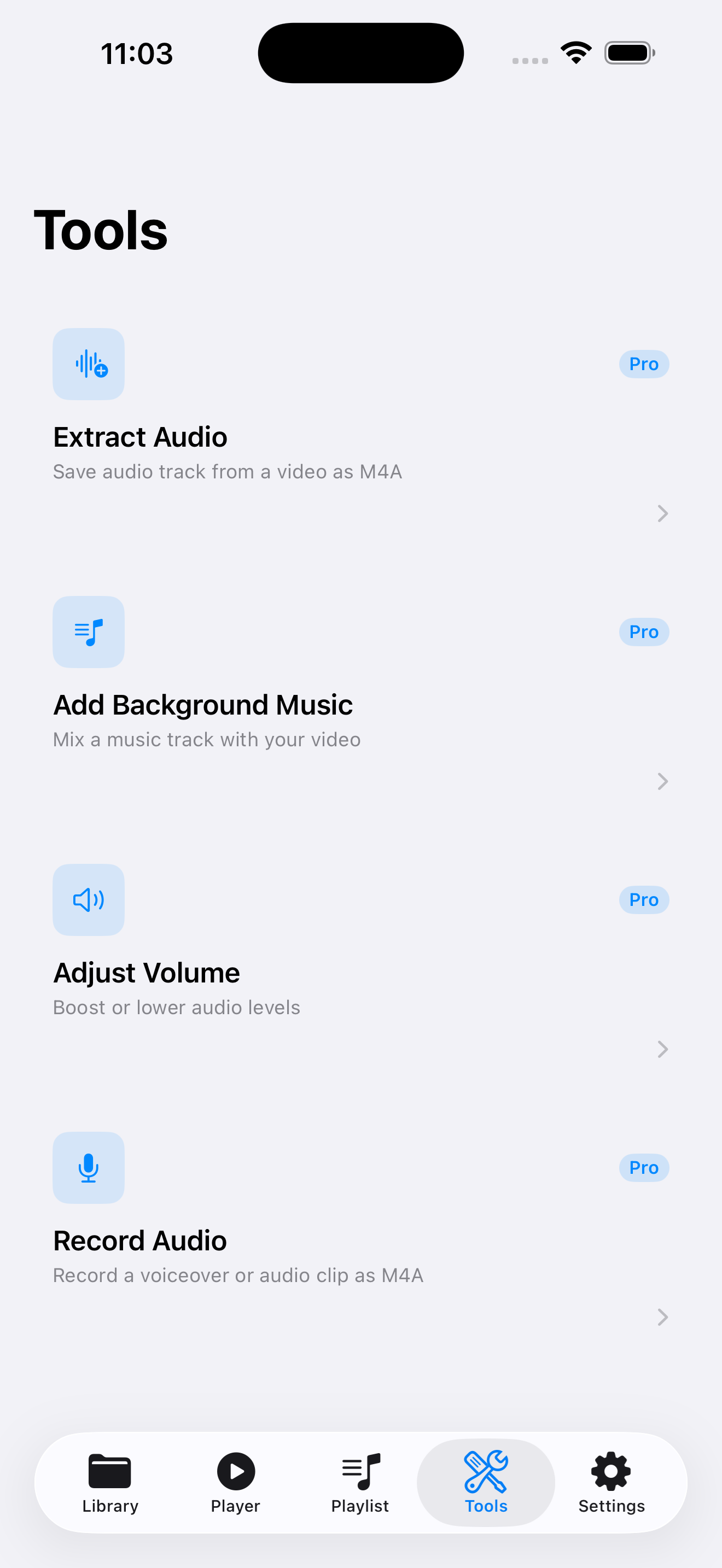
VideoVault’s Add Background Music tool (Lifetime Pro) lets you pair a local video with a local audio track, balance volumes, and save a new clip in your library. It is a focused on-device mixer — not a full multi-track timeline, not a stock-music store, and not a publisher to social networks.
Real-world scenarios
Soft bed under a talking-head update
Import your camera video and a licensed music bed, lower the music under dialogue, and save a share-ready cut locally.
Highlight reel for a private audience
Combine event footage with a track you own, then Export & Share through iOS when you are ready — VideoVault does not post for you.
Replace silence in a screen demo
Add light music under a product walkthrough video stored in Files so the export feels less empty.
Step-by-step
Import the video and the music file
Bring both into Library from Photos or Files. Music can be M4A, MP3, AAC, or WAV already on device.
Open Tools → Add Background Music
Select the video, then choose the audio bed. Lifetime Pro is required for this tool.
Balance original and music levels
Use the volume controls so dialogue stays intelligible and the bed sits underneath.
Export back to Library
Render the mixed video into your library, preview in Player, then share via the system sheet if needed.
How VideoVault helps
- Keeps unfinished drafts on device instead of uploading to a creative cloud.
- Volume adjustment targets the common “music too loud” problem without a desktop NLE.
- Results become library items you can playlist or back up.
- Works with media you already legally possess — no built-in scraping of streaming catalogs.
Limits and supported formats
What VideoVault does not do
- Not a professional multi-track timeline with keyframes, buses, or effects racks.
- No stock music marketplace or streaming-service imports.
- No AI auto-ducking beyond the manual volume controls provided.
- No direct post to TikTok, Reels, or YouTube from inside VideoVault.
- No video compression pass after mixing.
Formats
- Video input: MP4, MOV, M4V
- Music input: MP3, M4A, AAC, WAV
- Mixed output saved as a new library video on device
FAQ
Can I edit volume automation over time?
VideoVault provides straightforward level controls for the mix, not a full automation timeline. For complex rides, finish in a desktop editor.
Where does the music come from?
Only from audio files you import. There is no YouTube ripper or built-in music store.
Can I remove the original camera audio entirely?
Lower the original track with the volume controls when you want the bed to dominate, depending on the tool’s available sliders in your version.
Does mixing require Pro?
Yes. Add Background Music is part of the Lifetime Pro toolset, sold as a one-time unlock.
Related articles
Get VideoVault on the App Store
Import local video and audio, organize playlists, extract M4A audio, and unlock background playback with a one-time Lifetime Pro purchase — no subscription.
App Store listing is being prepared.
Download on the App StoreExplore VideoVault