
VideoVault
Your private media vault, on device.
Import local video and audio, organize playlists, play in the background, and run lightweight tools — without an account or cloud upload.
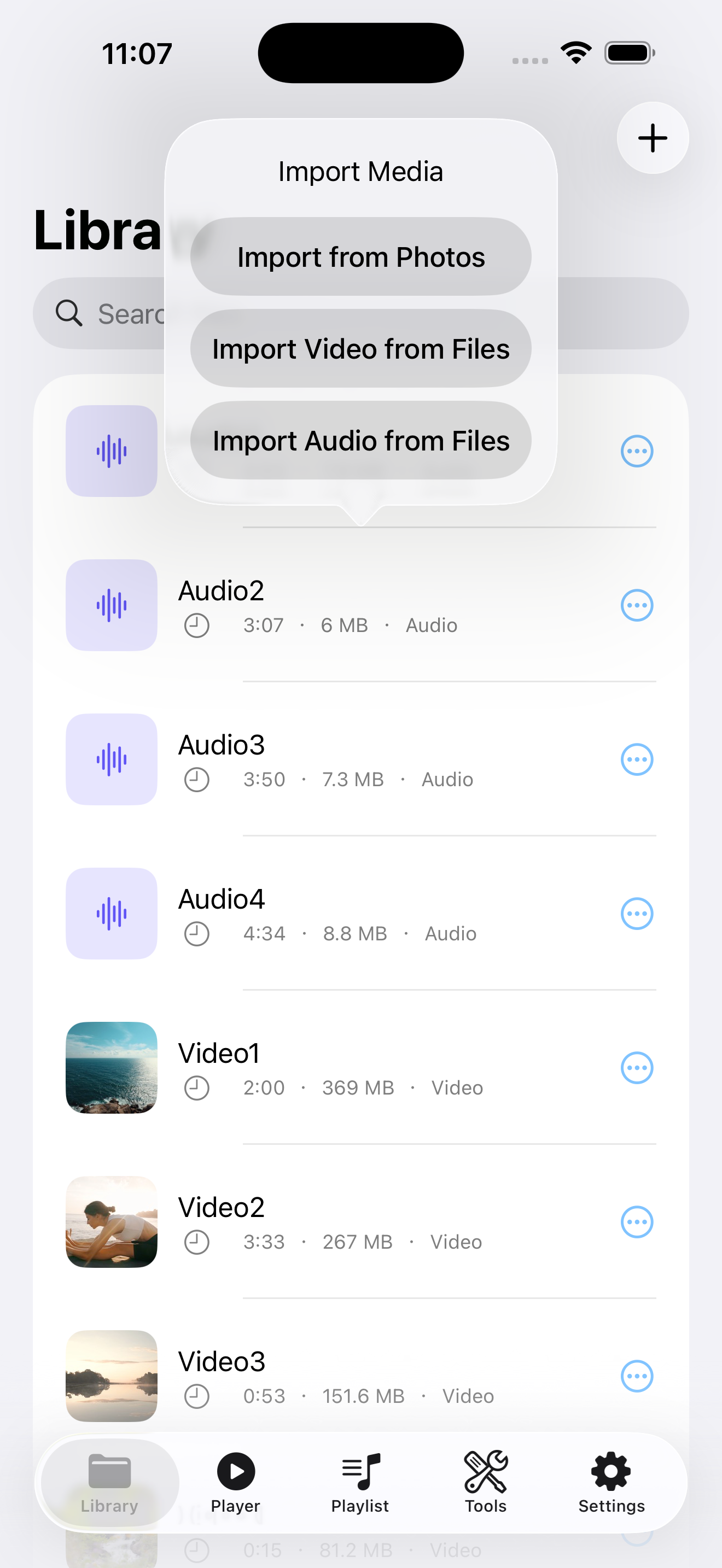
Files stay on your device
VideoVault does not require an account and does not upload your videos, audio, playlists, or backups to a developer-operated server.
Your local media library
Import from Photos or Files, then rename, search, and manage videos and audio in one private library on your device.
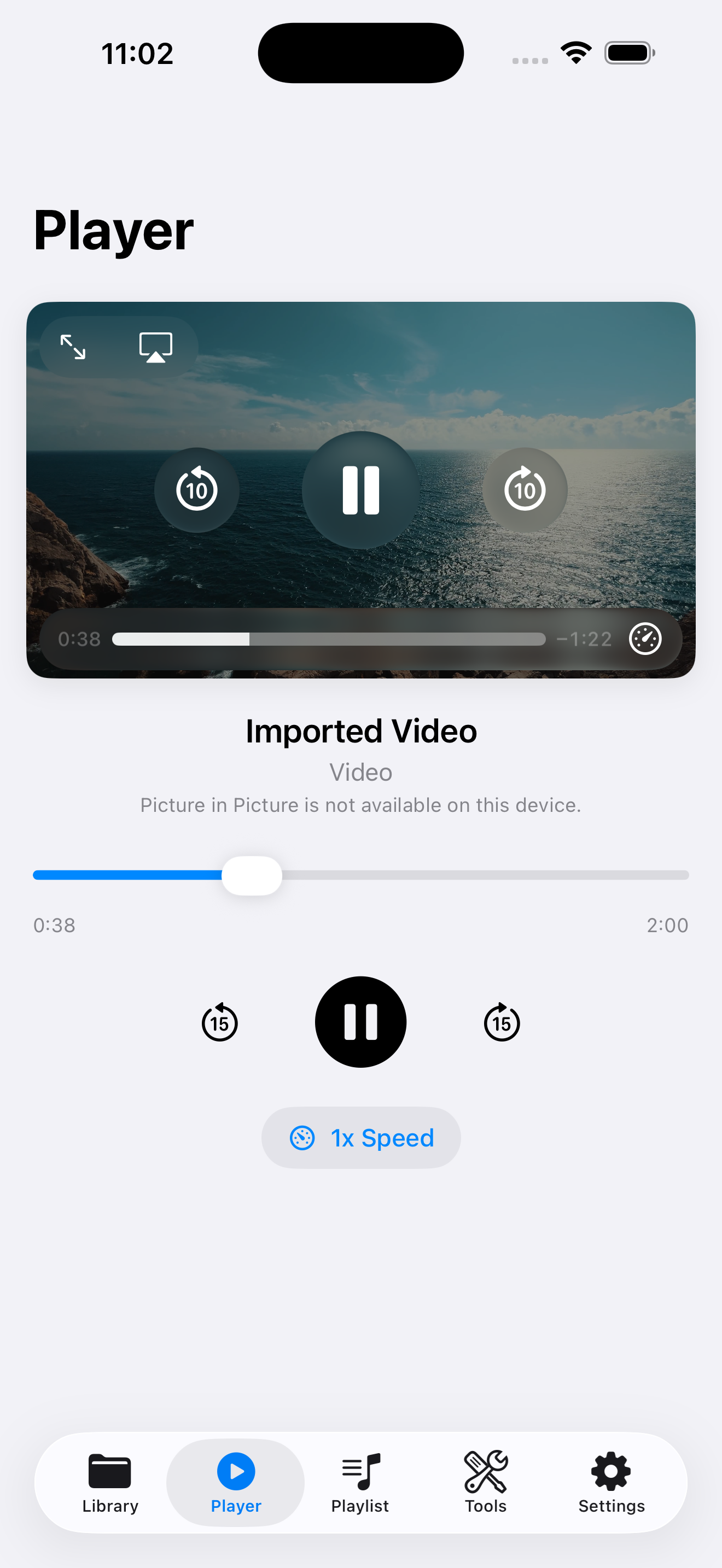
Playback built for focus
Seek, skip, and change speed with lock screen controls. Enable background playback and Picture in Picture with Lifetime Pro.
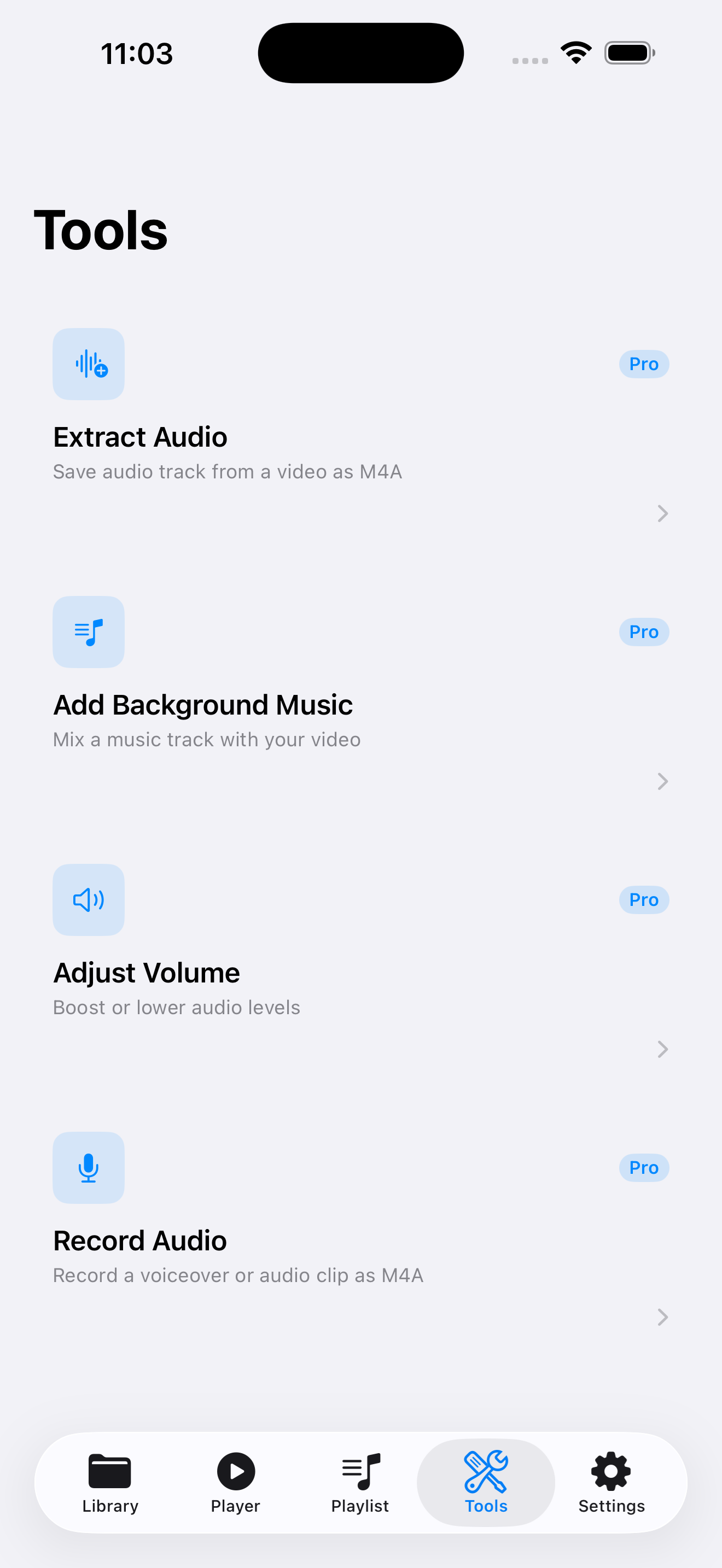
Local media tools
Extract audio to M4A, add background music, adjust volume, and record voiceovers — processed on-device, not on a server.
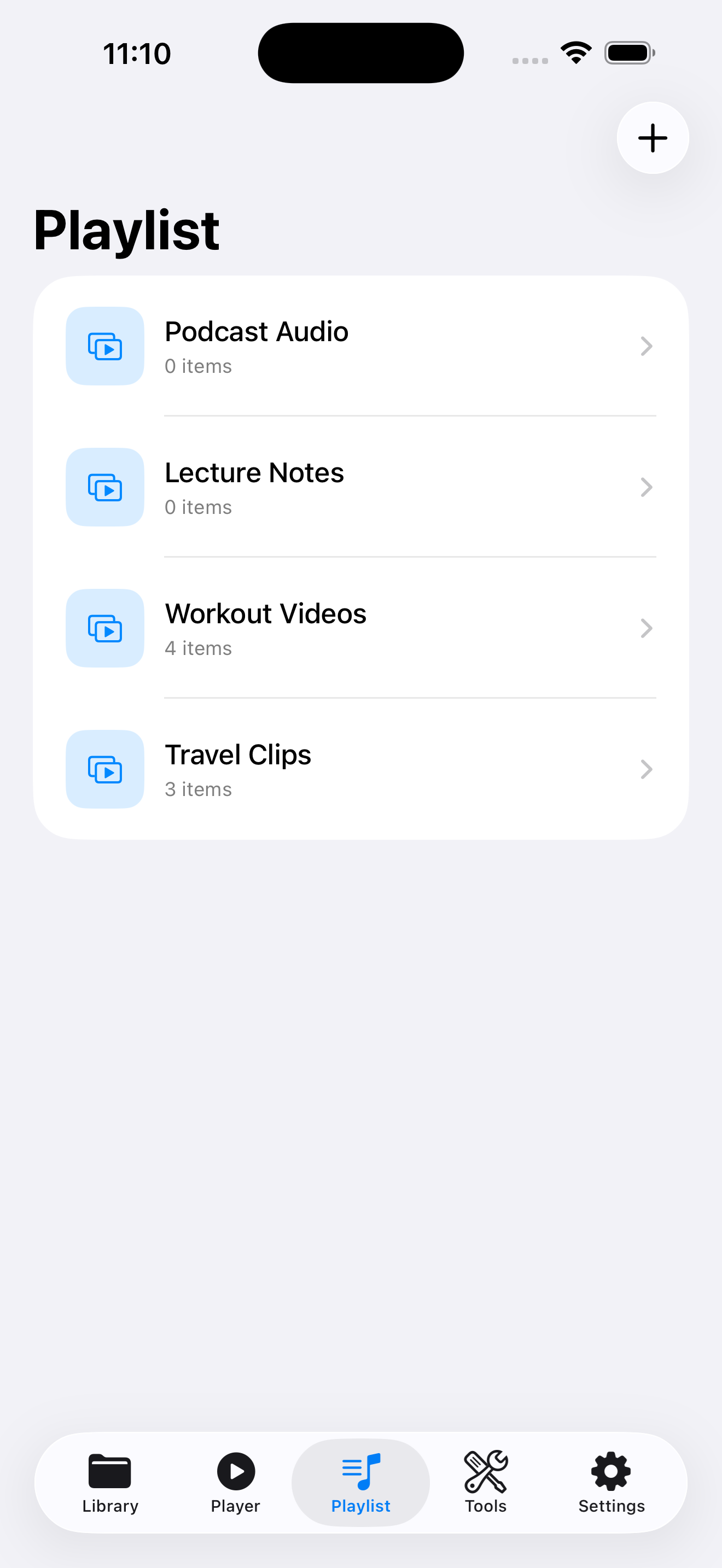
Playlists your way
Group videos and audio into playlists, reorder items, and keep listening with continuous playback.
Full library backup
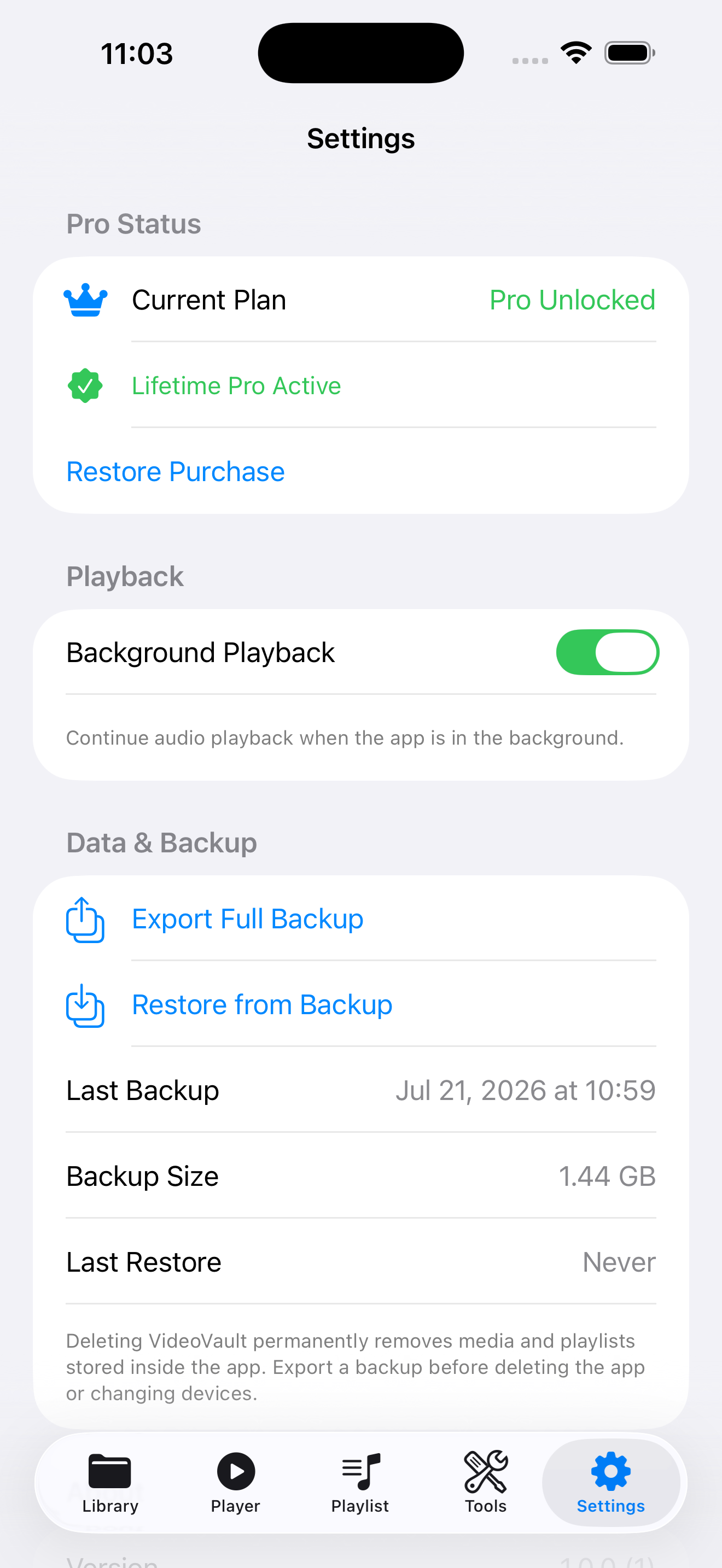
Export a Full Library Backup to iCloud Drive or Files, then restore media and playlists when you change devices.
Guides
Practical how-tos for local playback, audio tools, and playlists on iPhone.
Lifetime Pro — unlock once
Unlock background playback, Picture in Picture, media tools, recording, and Export & Share with a one-time purchase. No subscription.
- Background playback & lock screen controls
- Extract audio, add music, adjust volume, record
- Export & Share via the iOS share sheet
- Restore Purchase anytime with your Apple Account