Video Playlist Organizer for iPhone
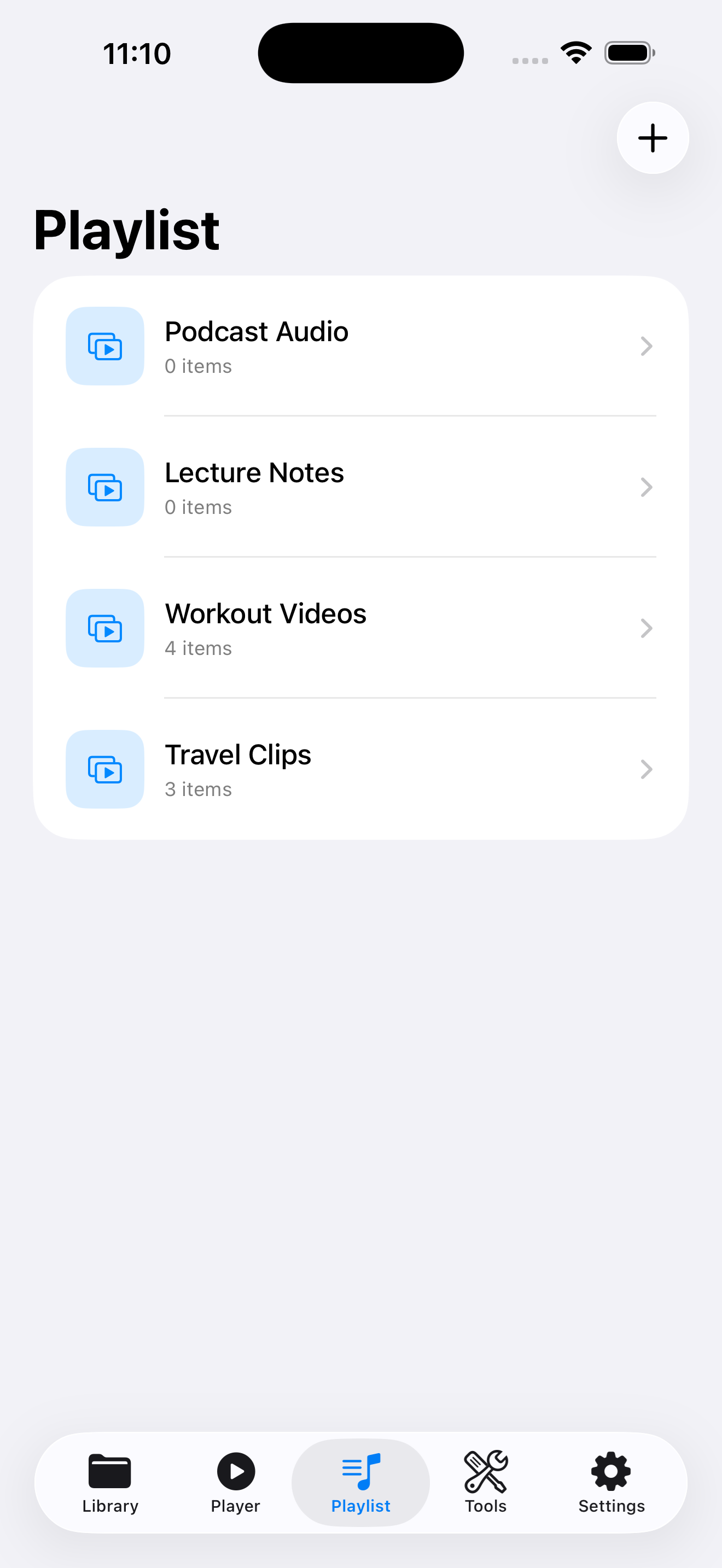
VideoVault’s Playlist tab is for people who want ordered collections of local videos and audio — study queues, rehearsal sets, client review reels — without a streaming account. Create playlists, add library items, reorder them, and play continuously. Playlists stay on your device; there is no collaborative cloud playlist sync.
Real-world scenarios
Client review order
Import several cutdowns, drop them in a named playlist, and present in a fixed sequence during a call.
Language practice queue
Keep dialogue videos and extracted M4A drills in one playlist so practice sessions run end to end.
Event day run-of-show
Order opening video, speaker bumper, and closing clip so volunteers tap Play once instead of searching Files.
Step-by-step
Import the media you want to organize
Playlists reference items already in Library, so import from Photos or Files first.
Create a playlist
Open the Playlist tab, create a new list, and give it a specific name you will recognize later.
Add items and reorder
Add videos or audio from your library, then drag or adjust order until the sequence matches your run-of-show.
Play through and optionally enable background audio
Start the playlist in Player. With Background Playback (Pro), listening can continue when you leave the app.
How VideoVault helps
- Turns a messy import list into intentional queues.
- Supports mixed video and audio items in one flow.
- Renames and library search still work on the underlying files.
- Full Library Backup can preserve playlists with your media when changing devices.
Limits and supported formats
What VideoVault does not do
- No Spotify-style social playlist sharing or public links.
- No automatic cloud sync across iPhone and iPad accounts.
- No smart playlists powered by AI taste models.
- Free vs Pro playlist limits may apply; Lifetime Pro removes Pro gates.
- Cannot pull playlists from YouTube.
Formats
- Playlist items: imported MP4, MOV, M4V videos
- Playlist items: imported or extracted MP3, M4A, AAC, WAV audio
- Playlist metadata stored locally with your VideoVault library
FAQ
Does deleting a playlist delete the video files?
Removing a playlist removes the list organization. Delete media from Library when you intend to remove the underlying files.
Can I sync playlists with my iPad automatically?
Not through a VideoVault cloud account. Transfer with Full Library Backup / Restore or re-import files on the other device.
Can collaborators edit the same playlist online?
No real-time collaboration. Hand off a backup file or shared originals through your own channels.
Will the next item auto-play?
Yes. Playlists are designed for continuous playback through the queued items.
Related articles
Get VideoVault on the App Store
Import local video and audio, organize playlists, extract M4A audio, and unlock background playback with a one-time Lifetime Pro purchase — no subscription.
App Store listing is being prepared.
Download on the App StoreExplore VideoVault